Guest lecture deck Matt Yilmaz · Agentic Systems
Opening frame
Guest lecture · agentic systems

From prompts
to operating systems.

A short talk about moving from one-off prompting to systems that can carry context, route work, and support human judgment in real environments.
Matt Yilmaz UT Austin Government Agentic systems guest lecture
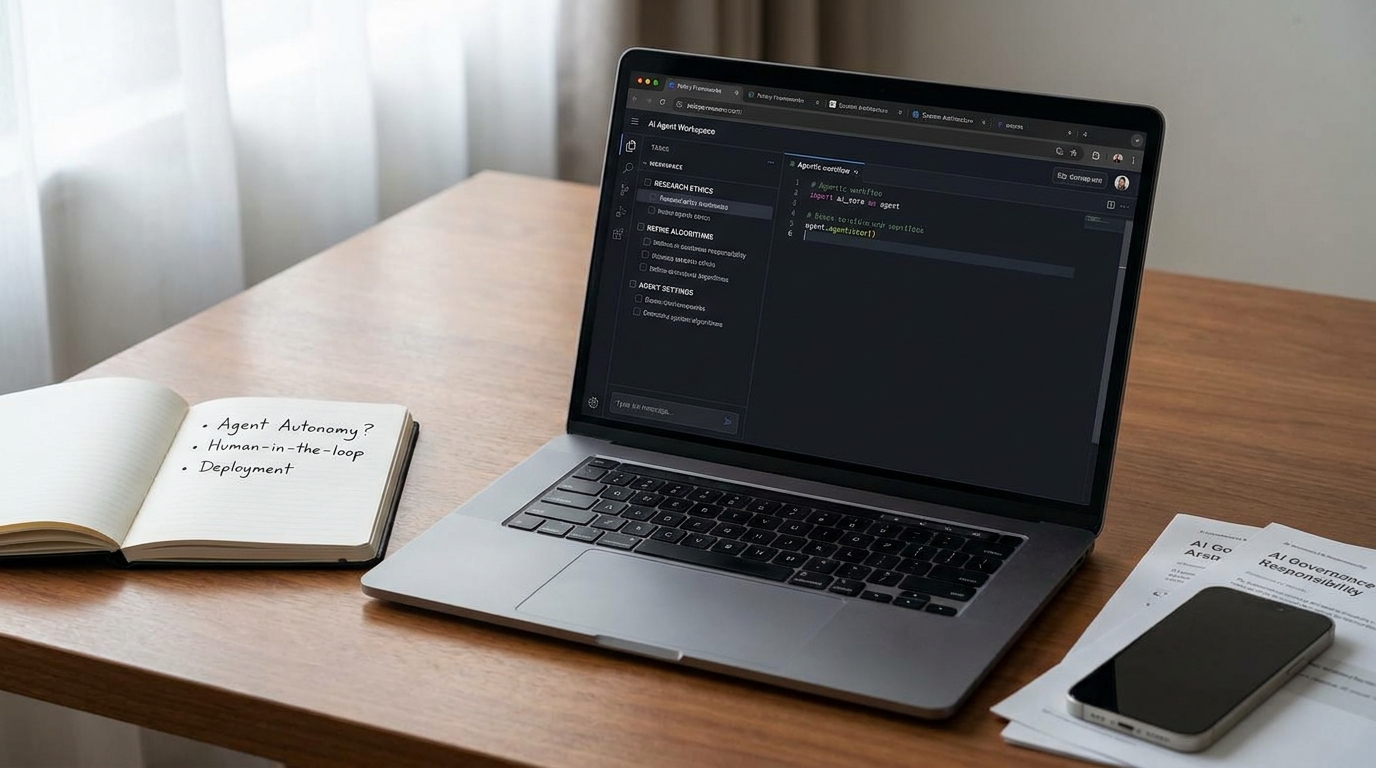
A realistic desk setup with a single laptop running an AI agent workspace, a notebook, phone, and research papers.
Ordinary setup, real workflow
Quick background

Why I started building systems.

I’m Matt Yilmaz, a UT Government senior. This class pushed me from one-off prompting toward workflows that could actually carry work.

I was not trying to build a sci-fi agent. I was building an operating layer.

Reference clip Videos like this made it feel sci-fi. Functionally, this was the direction.
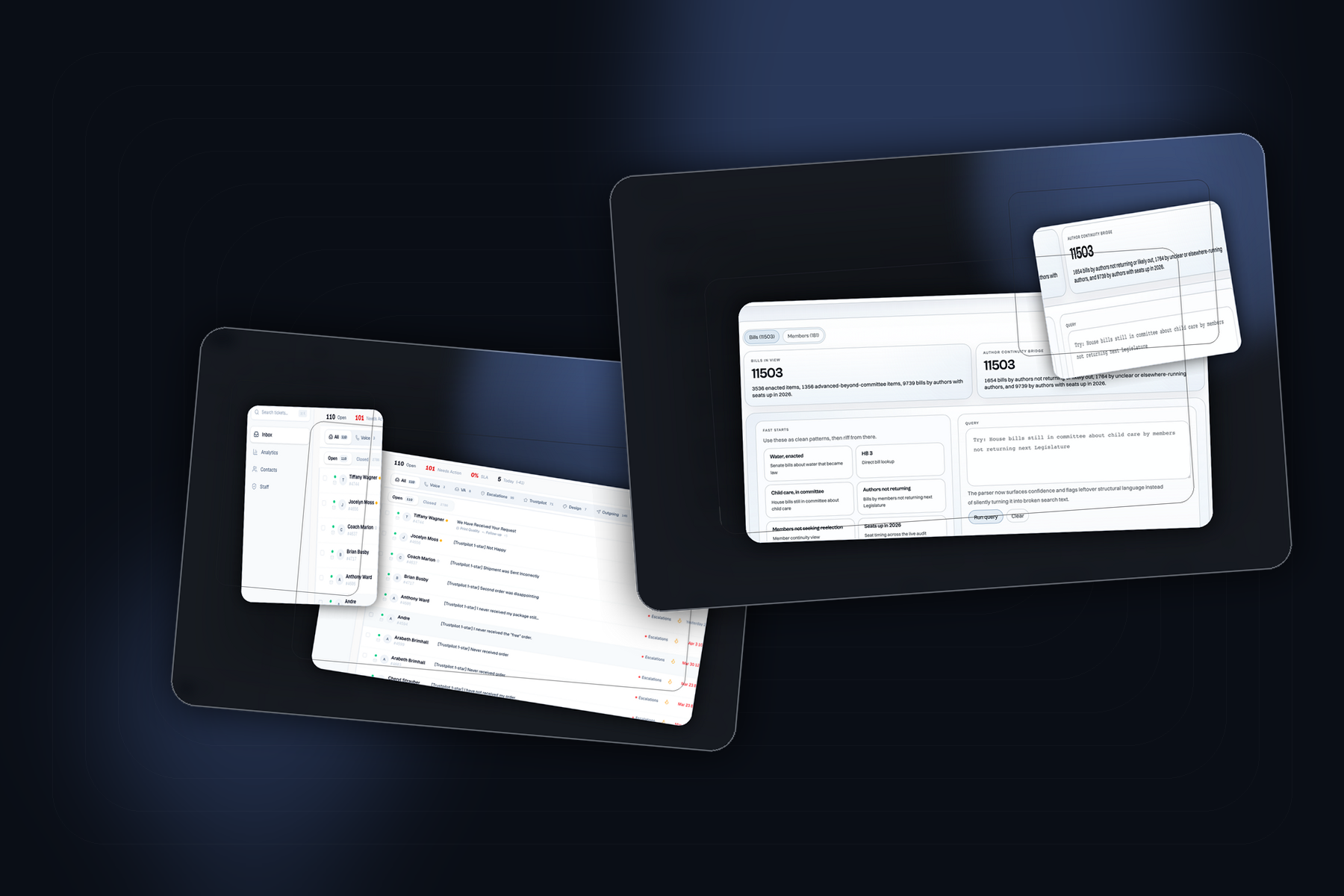
Montage of the systems built with OpenClaw as the operating layer behind business workflow and research tools.
OpenClaw operating layer

One operating layer, multiple workflows.

Dedicated machine, bounded tools, worker agents, and enough memory to carry work across sessions.

01

OpenClaw setup

Dedicated Mac, controlled tools, its own logins, narrower worker agents.

02

What it enabled

Persistent context, background work, and the operating layer behind the CRM and research systems in the rest of the talk.

Tooling context

Claude Code was the coding surface. OpenClaw was the operating layer around it.

That difference mattered for the rest of this talk. Claude Code was excellent for the direct coding loop we learned in class. OpenClaw mattered more for me when the agent needed to live across channels, tools, memory, and background work.

Why it matters here

One is great when the work stays inside a coding session. The other becomes useful when the agent has to live outside one window.

Claude Code Direct coding

Polished, optimized, and session-first.

  • Best when the task lives in one coding surface

    Great for writing, editing, debugging, and shipping inside a focused coding loop.

  • Official feel, lower setup cost

    More polished out of the box, which made it ideal for classroom use and direct coding work.

OpenClaw Operating layer

Less polished, broader, and much more capable around the workflow.

  • Could live in WhatsApp, Discord, and group chats

    The same agent could help in private chat, show up in group threads, and stay available outside a coding window.

  • Could coordinate tools, memory, background work, and builds

    That made it much better for multi-step automation and the system-building work behind the examples in this talk.

WhatsApp Discord Group chats Tools Memory Background tasks Worker agents
Case study one

In a high-volume printing business, the bottleneck was context.

The old workflow was Zendesk plus a lot of manual reconstruction. Tickets were organized, but the actual intelligence still lived outside the workflow.

Rolled DTF transfer prints stacked together, representing a high-volume custom printing operation.
High-volume print operation

Volume made the small gaps hurt.

Once the order count is real, every manual step in support and escalation starts compounding.

Why the workflow broke
  • 100,000+ customers At this volume, small workflow issues stop being small. They compound fast.
  • Manual AI layer Support still depended on copying incoming emails into a separate custom GPT built around policy rules.
  • Human bottleneck Routing to escalations or designers was still manual, so the drag was reconstruction, not effort.
Systems built

We built narrower systems with clear jobs.

The trick was not one big agent. It was a small operating layer with clear roles and clean handoffs.

01

Ticket routing

Sort first and escalate cleanly.

02

Context assembly

Pull the useful fragments together.

03

Response drafting

Draft from live context and policy memory.

04

Workflow analytics

Measure the flow so it improves.

01

Ticket routing

02

Context assembly

03

Response drafting

04

Workflow analytics

Operating layer

Bounded systems, clear handoffs.

Route, assemble, draft, and measure inside one workflow.

Workflow leverage

Workflow mattered more than model choice.

The biggest gain came from tightening the workflow: route first, assemble context, draft in the thread, and make the system measurable.

Design principle

Route first

Sort the queue, surface urgency, and send tickets where they belong before asking the model to write anything.

Design principle

Draft second

Generation is most useful after context is assembled, not as a substitute for it.
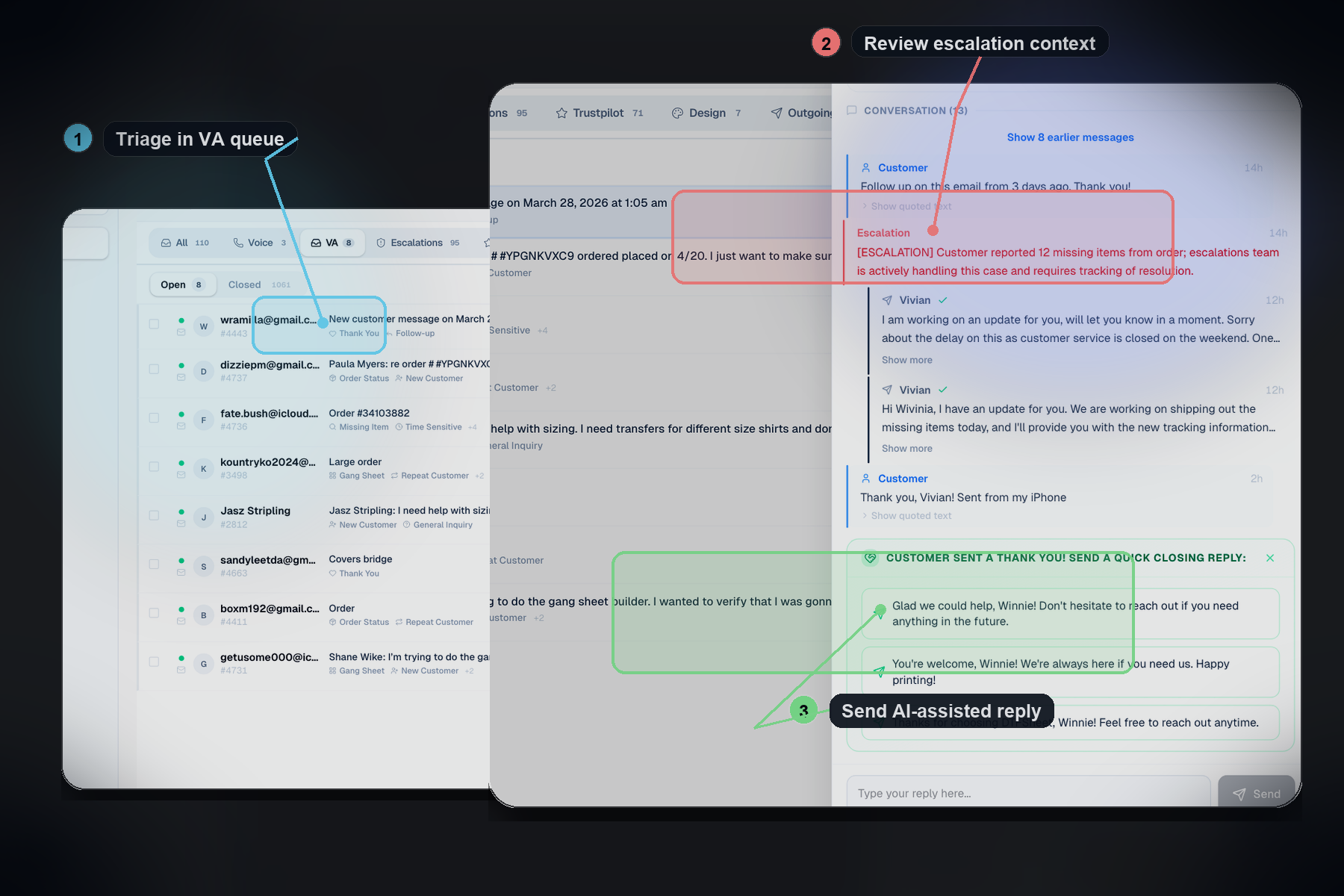
Editorial treatment of the in-house CRM showing VA triage, escalation context, and AI-assisted reply generation inside a live support workflow.
In-house CRM

VA triage, escalation context, AI reply.

Not a prettier inbox. A workflow that could route, surface context, and draft inside the thread.

Case study two

89search: a better workflow for legislative research.

The default TLO search was fine for lookup, but weak for real research. 89search made it easier to search by topic, filter by member status, and stay close to the source material.
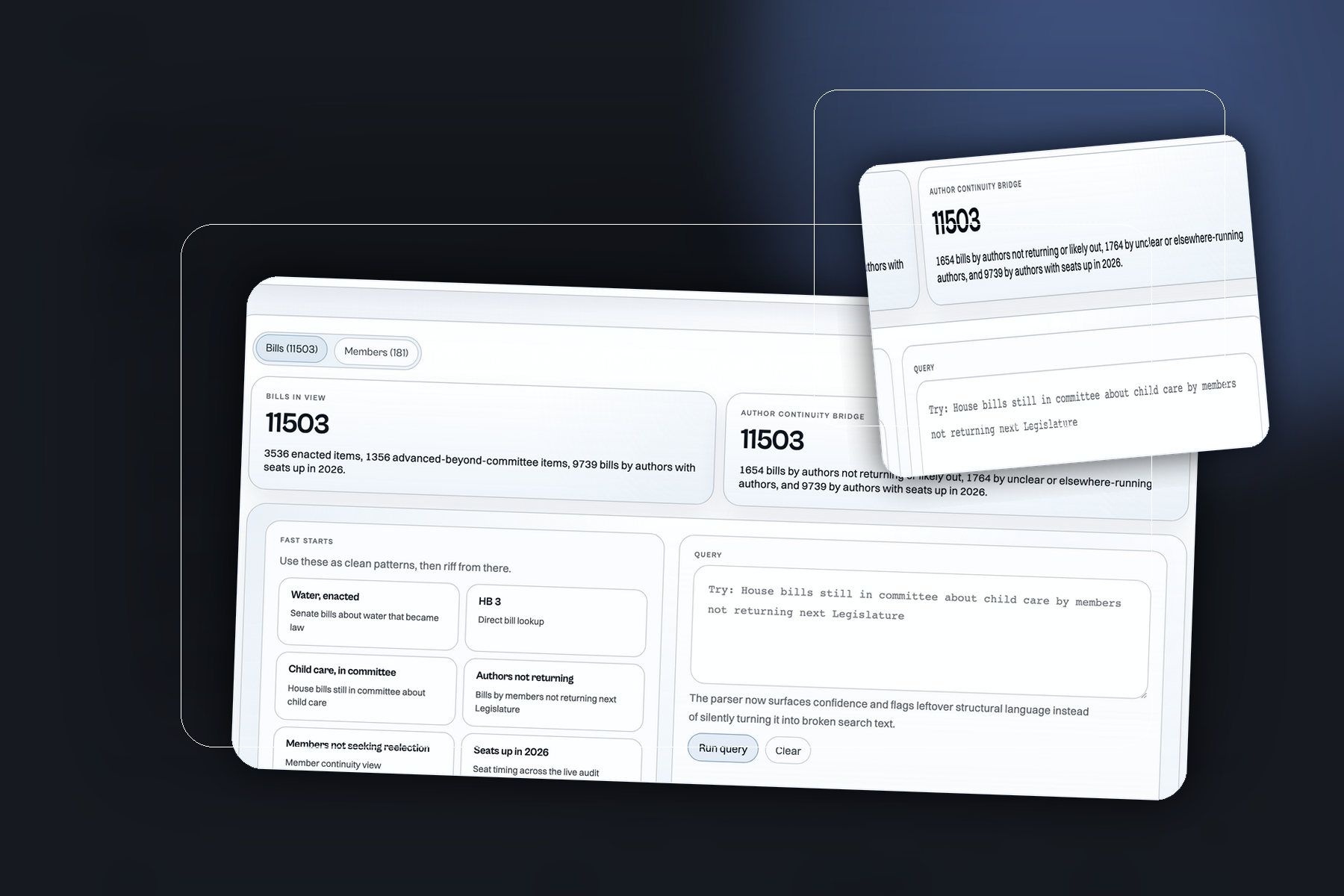
Topic filters Member context Visible sources
Editorial treatment of 89search showing structured legislative search and query workflow.
89search interface

Structured search beats blind keyword hunting.

Topic filters, member context, and visible sources made research faster than basic TLO search.

Lessons learned

What mattered most.

The useful version of this story is not model magic. It is system design under real constraints.

01

Narrow scope beats broad ambition

A narrow system with a real job usually beats a general system that claims it can do everything.

02

Context quality beats prompt cleverness

A lot of failures come from bad retrieval, weak constraints, or the wrong tool boundary, not from weak prompting style.

03

Humans stay at the risk boundary

Approval, escalation, and ambiguous edge cases should stay legible and easy to interrupt.

04

The win is lower coordination tax

The highest-value systems do not just write text faster. They reduce handoff loss, tab hopping, and repeated explanation.
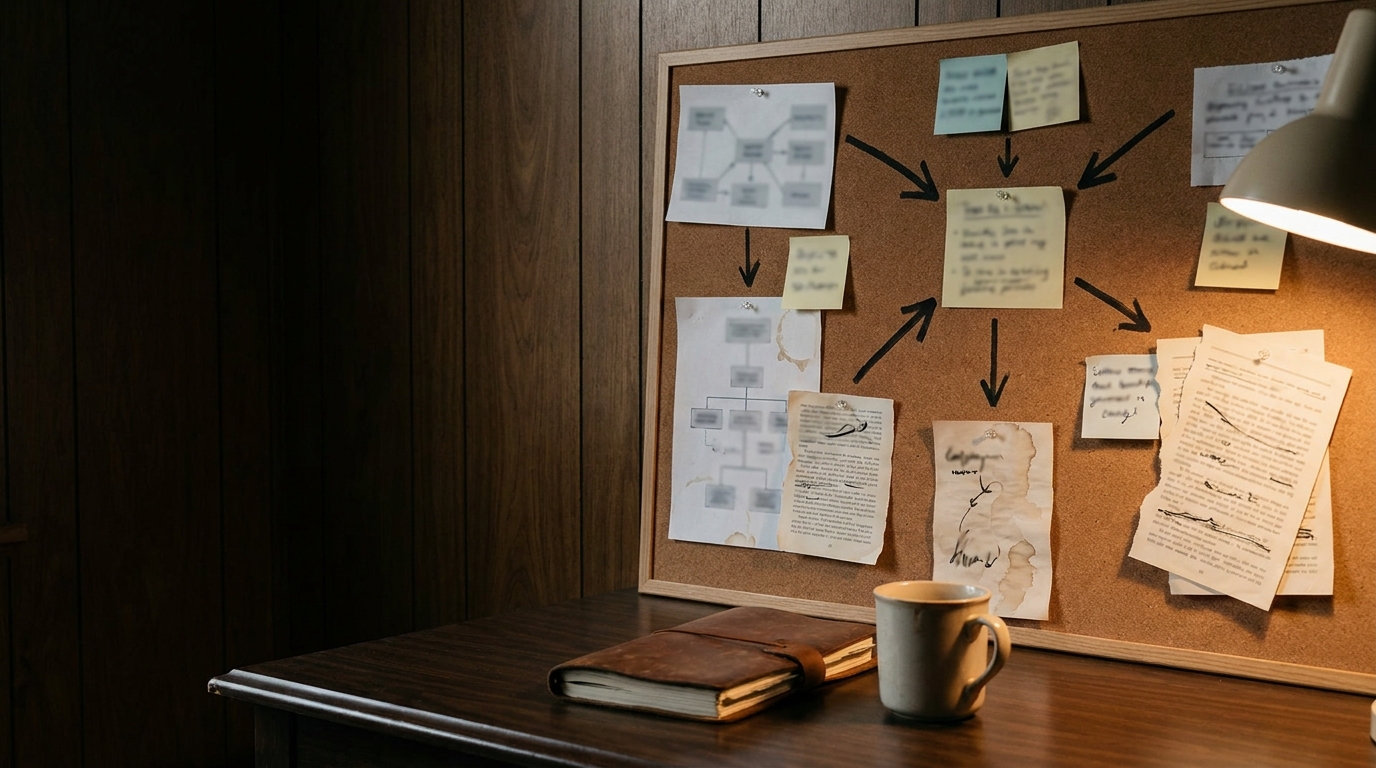
A strategy workspace with pinned workflow notes, documents, and system-planning materials.
System design under constraints

Useful systems get designed, not merely prompted.

The win came from boundaries, context, review, and feedback loops, not from pretending the model was magic.

Closing

Thank you.

Thanks for your time.